AV Systems Start-up and Shutdown
For questions, please contact the A/V Ministry lead through this link
All A/V Systems are automatically scheduled to turn on and off on service days (TVs, Sound). ***The PC must always be left on***
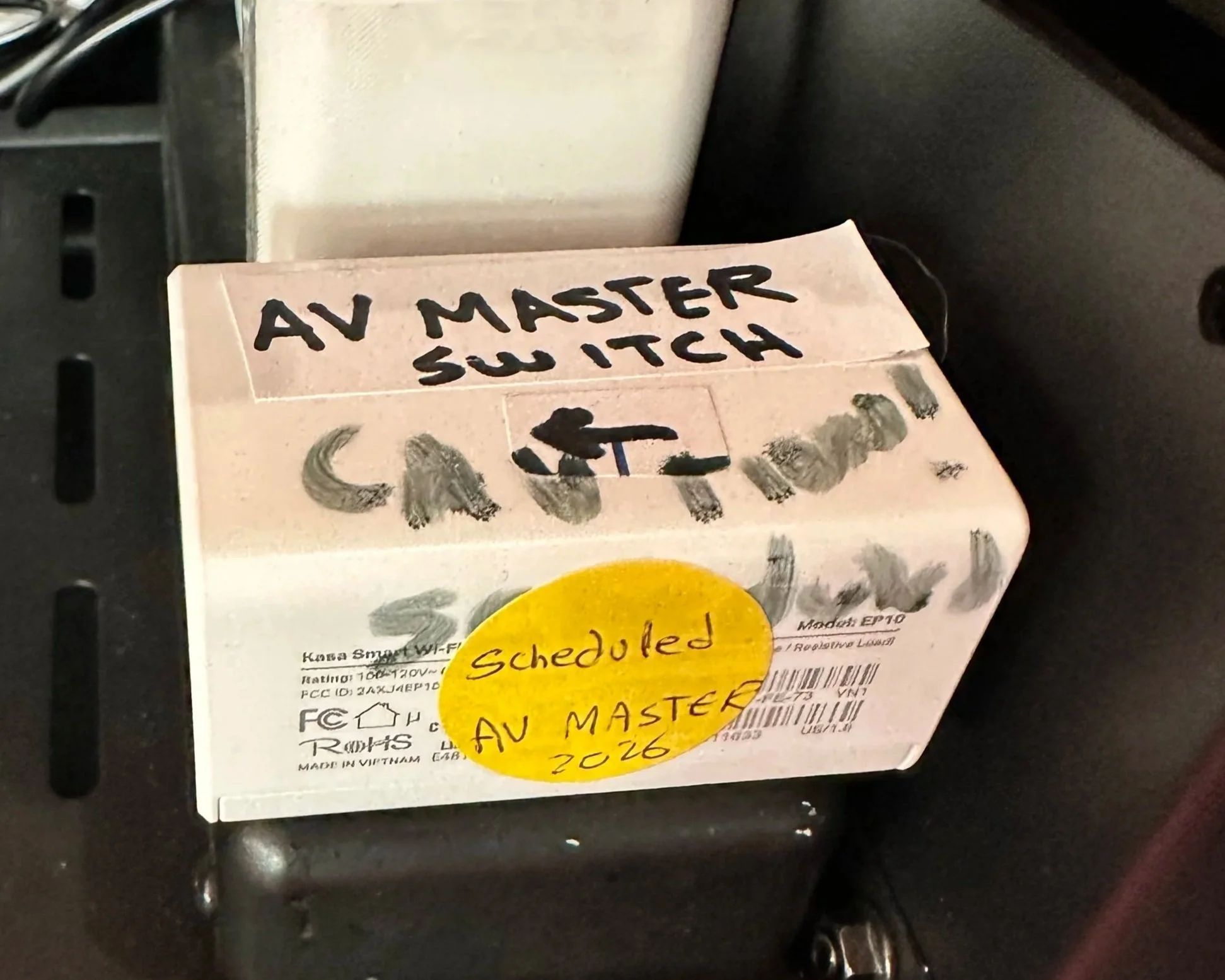
If Audio is off, look for “AV MASTER SWITCH” in the A/V Rack (code 000). With a yellow round label (»pictured right), press its side power button and wait a few minutes for systems to come online
Displaying content on the Sanctuary TVs
To screen mirror from the Church iPad to Sanctuary TVs, airplay to SMSA2, for downstairs PortableTV, airplay to SMS3 (updated 9/20/23) - passcode “smsapa”
To display content to the TVs, email the link or attachment to smsapainfo@gmail.com,
Alternatively, update the slide deck at www.smsapa.org/notes and open it on the church iPad, then follow the screen mirror instructions above (updated 9/20/23)
See video below for full A/V Instructions (as of 8/2025)
Audio Controls
the audio loads the last preset at system startup and should not require regular adjustments.
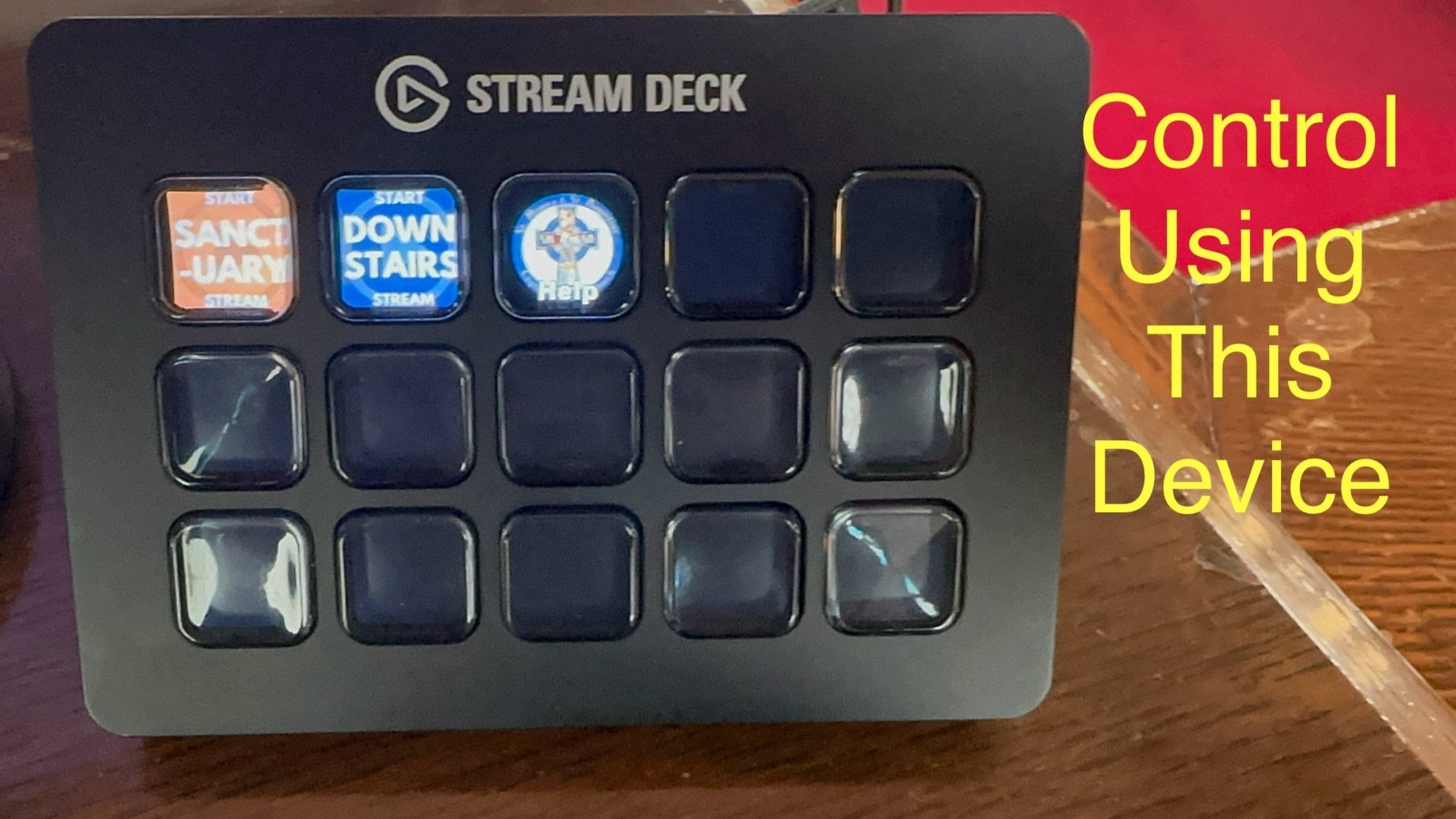
If temporary adjustment is needed, on the StreamDeck device under MORE>AUDIO> choose the microphone and adjust levels
Livestream controls
The Livestream is controlled through this device which is located at the choir area, and a similar device located downstairs in the gathering space (on top of the flood lights next to one of the rooms)
How to use portable TV
How to use the downstairs audio system
direct link to this page, scan with your phone’s camera